How often should you replace your company laptops?

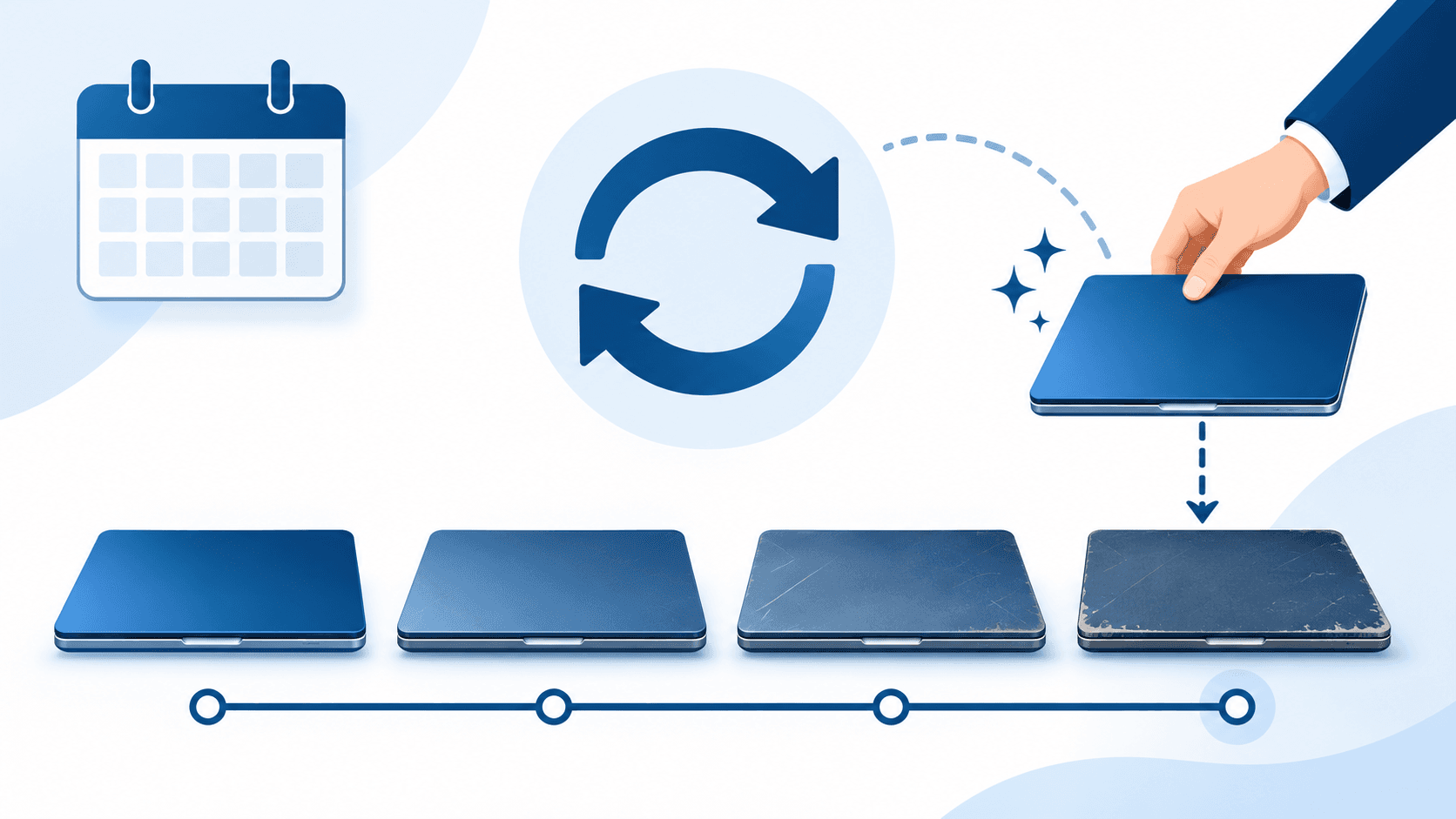
Replace a daily-use business laptop every three to four years, and plan to replace about a quarter of the fleet each year rather than everyone at once. That is the range the two UK guides cited below converge on, because it is where the three-year warranty ends, the battery fades and the operating system support runs out, as Windows 10 end of support showed on 14 October 2025. One Singapore reseller's November 2026 listing for a mainstream business laptop, the Lenovo ThinkPad E14 Gen 8, runs from about S$1,960 to S$2,460 including GST, which works out to about S$40 to S$70 per user per month over three to four years. The forcing event this year is Windows 10, which stopped receiving free security updates on 14 October 2025; any machine that cannot run Windows 11 is now a security risk, not just a slow one.
Windows 10 end of support: which laptops must go
Microsoft ended free security updates for Windows 10 on 14 October 2025. From that date a Windows 10 laptop receives no fixes for newly found holes, which makes Windows 10 end of support the one hardware deadline that cannot slide into next year's budget. The way out is Windows 11, and Windows 11 is fussy about what it will run on. Microsoft's published Windows 11 requirements include a TPM 2.0 chip (a small security chip on the motherboard that holds encryption keys), Secure Boot (a firmware setting that stops tampered software loading at start-up), a processor on Microsoft's compatible list, 4 GB of memory and 64 GB of storage. The memory and storage figures are easy; nearly every business laptop sold in the last decade clears them. The chip and the processor are what fail. As a rough guide, Intel 8th-generation Core chips and AMD Ryzen 2000-series, both from around 2018, are the oldest that pass the upgrade check, so a laptop bought before 2019 is the one to look at first.
The practical test takes a minute per machine. Run Microsoft's free PC Health Check app on any Windows 10 laptop and it tells you whether the machine can move to Windows 11 and, if not, which requirement it fails. Better, ask your provider for the list across the whole fleet; a provider that runs monitoring software on your machines can usually pull each one's processor and security chip details. As a rule of thumb, machines five years or older usually cannot be upgraded in place and have to be replaced; three-to-four-year-old machines usually can.
If a machine fails the check and the budget is not there this quarter, Microsoft sells Windows 10 Extended Security Updates (ESU) to businesses by the year. Microsoft's ESU page (Microsoft Learn, read 18 November 2026) lists US$61 per device for Year One, which began in November 2025, says the price doubles every consecutive year for a maximum of three years, and says a business joining in Year Two pays for Year One as well. By that rule, Year Two is US$122 per device (our arithmetic from Microsoft's published rule), so joining now costs about US$183 per device (US$61 plus US$122); ask your reseller for the current figure. Treat it as a short bridge to a planned replacement rather than a plan in itself.
That makes the question for most Singapore SMEs very concrete. Any laptop still on Windows 10 today is either paying for a patch subscription whose price doubles each year, or running without security fixes. Neither is an answer you want to give on a cyber insurance questionnaire or in a Cyber Essentials audit; our SME cybersecurity checklist has "no unsupported operating systems" near the top for that reason.
Self-check: ask your IT provider for the list of machines that fail the Windows 11 check. Every one of them is first in the refresh queue.
Why three to four years, and not "until it dies"
Nobody runs a delivery van until it stops on the PIE at 8 am with the morning's orders in the back. You replace it on a schedule because the cost of the breakdown, the lost deliveries and the driver standing on the hard shoulder is higher than the cost of a planned swap. Laptops are the same, except the breakdown is quieter: a finance manager waiting four minutes for Excel to open, a sales director whose Teams call drops because the fan cannot keep up, a laptop that will not hold charge through a client meeting.
The three-to-four-year figure is not arbitrary. A 2026 hardware refresh planning guide for UK SMEs from System Force IT, a UK IT provider, puts knowledge-worker laptops at three to four years and heavy design or engineering machines at three; a July 2026 fleet-refresh guide from the charity Computer Aid lands on four years for standard office roles, three for executives who travel, and five for light-use shared machines. Three things cluster in that window:
- Warranty: most business laptops ship with one to three years of cover. Out of warranty, every repair is a quote and a wait.
- Battery: lithium batteries lose capacity with every charge cycle. By year three, a "full day" laptop is often a "find a socket by 2 pm" laptop.
- Operating system support: a laptop bought in 2021 or earlier may lack the chip Windows 11 requires, and Windows 10 is no longer patched for free.
Self-check: ask your provider for a list of every laptop with its purchase date, Windows version and warranty end date. If you cannot get that list within a day, that is a finding in itself.
What old machines really cost
The purchase price is the visible cost; the hidden one is staff time. A Techaisle survey of 2,156 Asia-Pacific SMBs, commissioned by Microsoft and Intel and published in October 2018 (so treat the dollar figure as dated and vendor-funded), put the cost of keeping a PC more than four years old at US$2,736 per device and found such a PC 2.7 times more likely to need repair. The study was paid for by companies that sell operating systems and processors, so treat the exact numbers as indicative only.
Do your own napkin maths instead. If a slow or crashing laptop costs one staff member 15 minutes a day, that is roughly five hours a month, or 60 hours a year. Say a staff member costs you S$4,000 a month (an illustrative figure): at about 173 working hours a month that is roughly S$23 an hour, so 60 hours is roughly S$1,400 a year, more than half the price of the machine. Across a fleet, the whole-company figure applies: we worked out about S$1,700 an hour for a 30-person firm in our downtime post, and a shared slowdown or a crash during a client call counts against that number. Add the repair-and-wait cycle out of warranty, the staff member borrowing someone else's machine, and the IT hours spent nursing a laptop that should have been retired.

What it costs a 30-person Singapore company
One Singapore reseller's listing for the Lenovo ThinkPad E14 Gen 8, a mainstream business laptop (BitLoop, read 18 November 2026), runs from S$1,963 to S$2,456 including GST across its Ryzen configurations. Taking S$1,960 to S$2,460 per machine including GST as a working range at 2026 prices, a full 30-laptop refresh is roughly S$59,000 to S$74,000. Spread over three to four years, that is about S$40 to S$70 per user per month (S$1,960 over 48 months is about S$41; S$2,460 over 36 months is about S$68). A starting point from one listing, not a quote; memory, storage and warranty length move the price, so get the 16 GB, three-year-warranty configuration quoted in writing.
Two ways to pay for it:
- Buy and stagger. Replace seven or eight machines a year (30 over four years), roughly S$14,700 to S$18,450 a year at the listing prices above (S$58,800 to S$73,800 for 30 machines, over four years), as an operating expense you can budget for.
- Lease or Device-as-a-Service. A monthly fee per laptop that bundles the hardware, warranty and often the replacement at the end of the term. It smooths cash flow and forces the refresh discipline; it usually costs more in total and ties you to a term. Ask for the all-in monthly figure and the exit terms before comparing it to buying. Take this as a neutral observation; we are not recommending a lessor.
None of the schemes we checked on 18 November 2026 (the EDGE Grant, CSA's Cyber Essentials funding and CISO-as-a-Service) funds laptop purchases for general office use. Check current terms on GoBusiness before relying on this. The EDGE Grant, which replaced the Productivity Solutions Grant on 30 September 2026, supports listed activities such as pre-approved digital solutions and pre-scoped equipment, so ask any vendor who says a laptop qualifies for the exact listing.
Staggered refresh versus big bang
Think of the air-conditioning units in your office. If every unit was installed in the same month, they all fail in the same quarter, and the whole office sweats while you find the budget. Sensible building managers replace a few units a year so there is never a year with no cost and never a year with all of it. A laptop fleet works the same way: replace roughly a quarter each year and the budget line becomes flat and predictable, the oldest machine is never more than four years old, and your provider is setting up about two laptops a quarter instead of thirty in a weekend.
Big-bang refreshes make sense in exactly two situations: a Windows 10 fleet that must move now, or a company that has never had a cycle and needs to reset. After the reset, stagger.
Who goes first in each year's batch:
- Anything that cannot run Windows 11
- Out-of-warranty machines with a repair ticket in the last six months
- Directors, sales and anyone who presents to clients
- Everyone else, oldest first
Ask: "Which eight laptops are due this year, and why those eight?" A good provider has the list ready. A provider without a list is replacing whichever laptop broke last.
What to do with the old ones
Three steps, in order. Skip the first and the other two can leave personal data on a drive you no longer control, which is a PDPA problem.
- Wipe the data properly. Deleting files and resetting Windows is not enough. Ask for a certified wipe (the drive overwritten or cryptographically erased) and a written record per serial number. If the drive is faulty, it should be destroyed, not donated.
- Decide on reuse. A four-year-old laptop with a fresh battery can serve as a loan machine, a meeting-room PC or a donation. Just not as someone's daily driver on an unsupported operating system.
- Recycle under the regulated scheme. Since 1 July 2021 Singapore has had a regulated e-waste system under the Resource Sustainability Act, administered by NEA, and NEA's e-waste page (read 18 November 2026) names ALBA as the appointed operator. ALBA's 3-in-1 bins accept ICT equipment such as laptops; for a batch of office machines, ask your provider or ALBA how business collections work. Do not let them go in the general waste or sit in a cupboard with your data on them.
Send this to your IT provider
Hi [name], I want to put our laptops on a proper replacement cycle. Please send me (1) a list of every laptop with purchase date, warranty end date, Windows version and whether it can run Windows 11, (2) which machines you recommend replacing in the next 12 months and why, with an indicative S$ cost per unit for a 16 GB business model with three-year on-site warranty, (3) a buy-versus-lease comparison for that batch with the all-in monthly figure and exit terms, and (4) your process for data wiping and e-waste disposal of the old machines, including the wipe certificate we would receive. A one-page summary is fine. Thanks.
When the honest answer is "keep it"
- A five-year-old machine used only for email and a browser can stay, provided it runs Windows 11 (or a supported macOS), has a working battery or lives on a desk, and is not someone's main tool. Reception, a shared meeting-room PC, a part-timer's machine.
- Mac fleets often run longer. Macs tend to stay on a supported macOS for more years than older Windows machines managed with the Windows 11 cut-off. Check Apple's current support list for each model rather than assuming.
- Desktops outlive laptops because nothing gets carried, dropped or run off a battery. Four to five years is reasonable for a desk-bound machine.
- If the budget is genuinely not there this year, replace only what cannot run Windows 11 and put the rest on next year's plan. A documented plan with a date is a defensible answer to an auditor or insurer; "we will see" is not.
- Do not replace a slow laptop before checking the cheap fixes. A full disk, 8 GB of memory and a tired battery can sometimes be fixed with a memory and battery swap for a fraction of the price of a new machine, if the machine is under four years old and the parts are replaceable.
Frequently asked questions
Can we just keep paying for Windows 10 Extended Security Updates?
Only as a short bridge. Microsoft sells ESU by the year, the price doubles every consecutive year, the programme ends after three years, and a business joining in Year Two pays for Year One too (Microsoft Learn, read 18 November 2026). If a laptop is old enough to be stuck on Windows 10, it is usually out of warranty and due anyway, so the subscription is paying to delay a purchase you will still make.
Should we buy consumer laptops to save money?
Consumer models are usually cheaper up front, so get both quoted. Business models usually bring a longer warranty, on-site repair options and longer parts availability. Spread the price gap over a four-year cycle and weigh it against the cost of one out-of-warranty repair.
How much memory and storage should we specify in 2026?
16 GB of memory and 512 GB of storage is the sensible floor for anyone running Teams, a browser with many tabs and OneDrive. 8 GB machines are cheaper but, in our view, tend to feel slow well before the end of the cycle, which defeats the point of a refresh.
Who owns the refresh plan, us or the provider?
The provider should maintain the inventory and recommend the batch; the owner approves the budget once a year. If your provider is not doing the first part, see our guide to what managed IT services should include.
Is hardware included in a managed IT contract?
Usually not. A managed IT fee pays for support, security and monitoring (one 2026 vendor round-up, Kaopiz, puts the Singapore average at S$100 to S$300 per user per month); hardware is a separate line, bought or leased. Our IT support cost guide breaks down what is typically in and out.
Our approach
Evernet Systems runs managed IT built for AI adoption for Singapore SMEs. Our bias is towards a boring, predictable cycle: a quarter of the fleet a year, 16 GB machines with three-year warranties, and a written wipe certificate for every retired drive as the standard to ask any provider for. A good provider should be willing to tell an owner that half the fleet is fine for another two years rather than quote thirty machines, so that the money goes to the half that is not.
Book a discovery call and we will go through your laptop list with you and give you a straight answer, even if it is "keep them".

Steven Shi · Founder & Technical Director
Steven is the founder and Technical Director of Evernet Systems, a Singapore-headquartered managed services provider serving 70+ SMEs. He leads Evernet's move from traditional MSP to AI adoption partner. The company tested AI on its own operations first: about 40% automated by 2026. It now helps clients adopt AI the same way. He writes about practical AI adoption, IT infrastructure and PDPA compliance for growing businesses.
Need help with this?
We help Singapore SMEs put these ideas into practice. Book a free 30-minute call.
Book a free 30-minute callRelated articles
How much should your Singapore SME budget for IT in 2027?
A line-item 2027 IT budget for a 30-person Singapore firm with S$3M revenue comes to about S$5,800 to 13,000 a month in our worked example, roughly 2.3% to 5.2% of revenue, with the support line taken at the Singapore average that one 2026 vendor round-up cites. We price the line items owners forget, work through the example, say what to cut and what never to cut, and size the AI line honestly.
Read Managed ITKeep your IT person or hire an MSP? Why the answer is often both
With one IT person and 50 or more staff, keeping them or replacing them is a false choice. Co-managed IT keeps your person for the daily work and adds a provider behind them for monitoring, security, backup and after-hours cover. This guide covers what it means, the three situations it fits and who does what. It also covers how to work out the cost, and how to tell your IT person without losing them.
Read