The SME Cybersecurity Checklist: 15 Things to Fix This Quarter

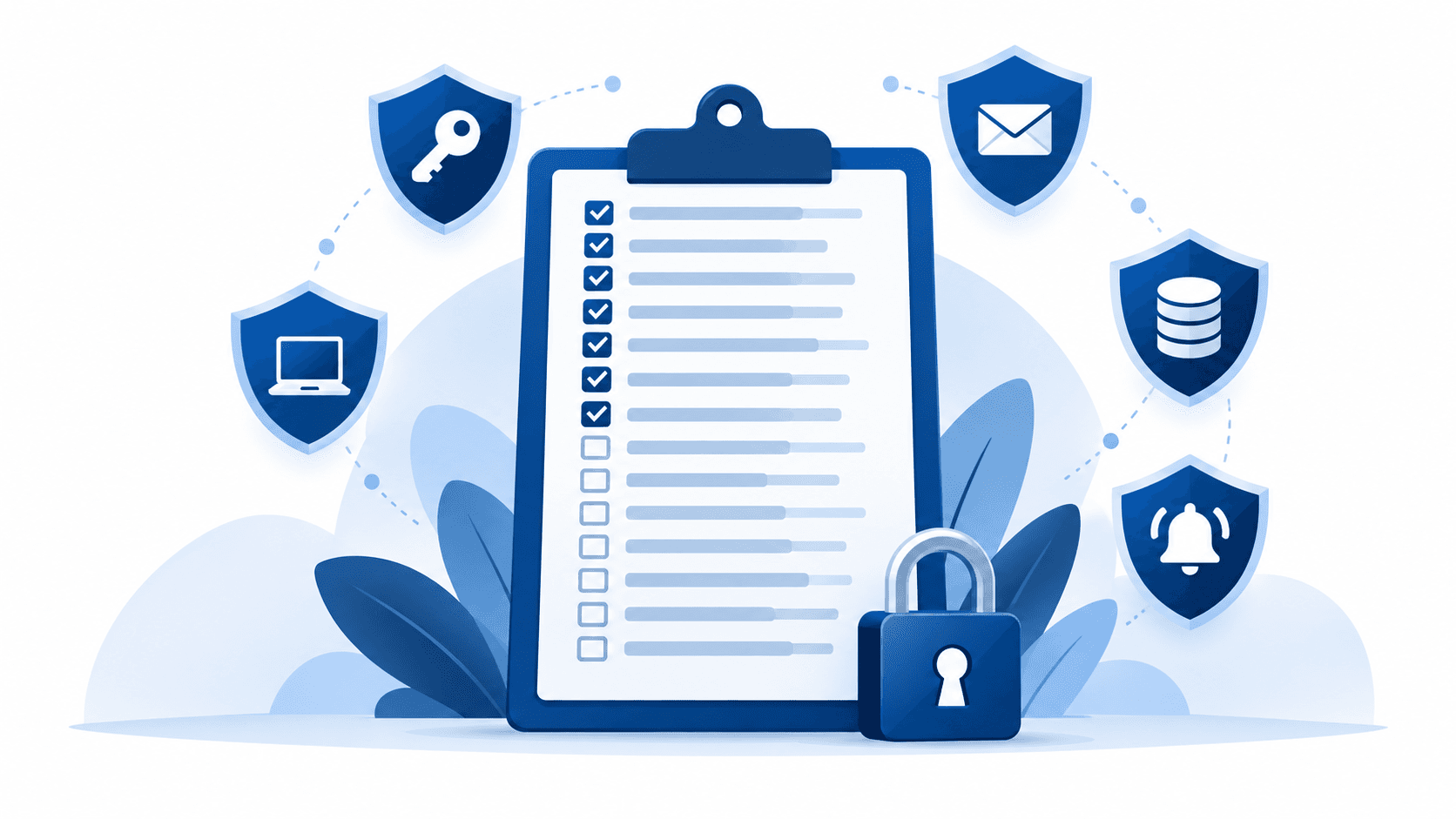
Here are the 15 security fixes that matter most for a Singapore SME, in five groups: lock down accounts (MFA, password manager, same-day offboarding, separate admin accounts), harden devices (patching, endpoint protection, encryption), clean up email (sender authentication, external banners, phishing drills), protect data (3-2-1 backups, tested restores, deletion discipline), and be ready (a one-page incident plan, and knowing your downtime number). Most are configuration, not purchases. Do three a week and the whole list is done in five weeks.
A. Lock down accounts (the front door)
- MFA on every account — no exceptions for the boss. Stolen passwords are still the most common way in anywhere; MFA turns a stolen password into a dead end. Check: can anyone in the company log in to email with only a password? Then you're not done.
- A company password manager. The alternative is the same three passwords reused everywhere, plus a spreadsheet named "passwords.xlsx". One breached shopping site shouldn't unlock your accounting system.
- Same-day offboarding. When someone leaves, their access leaves with them — that day, not "when HR gets around to it". Check: can you name an ex-employee who might still open your shared drive? Most SMEs can.
- Separate admin accounts. The account that reads email shouldn't be the account that can delete the company. Admin rights live in a second account, used only when needed — like keeping the master key off your daily keychain.
B. Harden devices (the machines)
- Automatic patching, on a schedule. Most real breaches walk through a known hole that had a fix available. "We update when we remember" is not a schedule.
- Endpoint protection on every device — including laptops at home. Modern EDR watches behaviour, not just known viruses. The device your sales lead uses at the kopitiam is part of your network.
- Disk encryption and auto-lock. A laptop forgotten in a Grab should be a hardware loss, not a data breach. Encryption is one checkbox; it only matters if it's ticked before the laptop goes missing.
C. Clean up email (the main battlefield)
- Set up SPF, DKIM and DMARC. Three DNS records that stop criminals sending email as you — and stop your real invoices landing in spam. (Full plain-English guide coming next week.)
- External-sender banner. A small label on every email from outside the company. Cheap, slightly ugly, and it defuses half of all "CEO" impersonation attempts on the spot.
- Phishing drills, not annual slideshows. Ongoing simulations cut click rates from roughly a third of staff to under 5%. The threat has upgraded to AI-written emails and deepfake calls — our guide to training staff for the deepfake era covers what still works.
D. Protect data (the crown jewels)
- 3-2-1 backups. Three copies, two different media, one off-site (or offline). Ransomware that encrypts your server and your only backup drive in the same cupboard has beaten you with one move.
- Test one restore every quarter. A backup you've never restored from is a hope, not a plan. Pick one file, one folder, one system — and actually bring it back.
- Delete data you no longer need. Old customer records can't earn you anything, but they can still leak — and under the PDPA they're your liability for as long as you keep them.
E. Be ready (for the bad day)
- A one-page incident plan. Who assesses, who calls the IT provider, who informs customers and the PDPC if needed, who talks to staff. Write it before the fire — during one, nobody thinks clearly.
- Know your downtime number. Five minutes of napkin math tells you what an hour of outage costs your business — the number that turns every item above from "IT nagging" into arithmetic.
How this maps to Cyber Essentials
If you work through this list, you've quietly done most of the Cyber Essentials mark's five control areas — which means the national certification (CSA funds S$250–650 of your first one until February 2028) becomes paperwork on top of habits, not a project.
Frequently asked questions
How much does all this cost?
Less than you'd guess: 10 of the 15 items are settings and habits, not products. The spend items — password manager, EDR, proper backup — run tens of dollars per user per month combined. One prevented incident pays for years of all of it.
Where do we start if we can only do one thing this week?
MFA on email, today. Email is the master key to everything else — password resets for every other system land there. Protect it first.
Who should actually do these — us or our IT provider?
A capable provider should already have done most of this list without being asked — it's what "managed" means. Forward them this article and ask which items are done. The reply (or the silence) is informative.
Our approach
For our managed IT clients, this checklist is the baseline we implement in onboarding — not a quarterly aspiration. Book a discovery call if you'd like the 15 items scored against your setup — we'll tell you which three to fix first and which you've already got right.

Steven Shi · Founder & Technical Director
Steven is the founder and Technical Director of Evernet Systems, a Singapore-headquartered managed services provider serving 70+ SMEs. He leads Evernet's transformation from traditional MSP to AI-powered infrastructure partner — automating 40% of the company's own operations before bringing the same playbook to clients. He writes about practical AI adoption, IT infrastructure and PDPA compliance for growing businesses.
Need help with this?
We help Singapore SMEs put these ideas into practice. Book a free 30-minute discovery call.
Book a CallRelated articles
The Real Cost of IT Downtime for Singapore SMEs (Do the Math in 5 Minutes)
Surveys put SMB downtime at anywhere from US$1,000 to US$25,000+ per hour — which is exactly why you shouldn't quote someone else's number. Here's the 5-minute napkin math for yours, and why the days hurt more than the hours.
Read Industry TipsCyber Essentials Mark 2026: A Step-by-Step Guide for Singapore SMEs
Singapore's national baseline cybersecurity certification, explained for business owners: the five control areas in plain language, what it costs after CSA funding, and the step-by-step path — before the first-certification funding ends in February 2028.
Read