How Fast Should Your IT Provider Respond (and Actually Fix It)? SLAs Explained for SME Owners

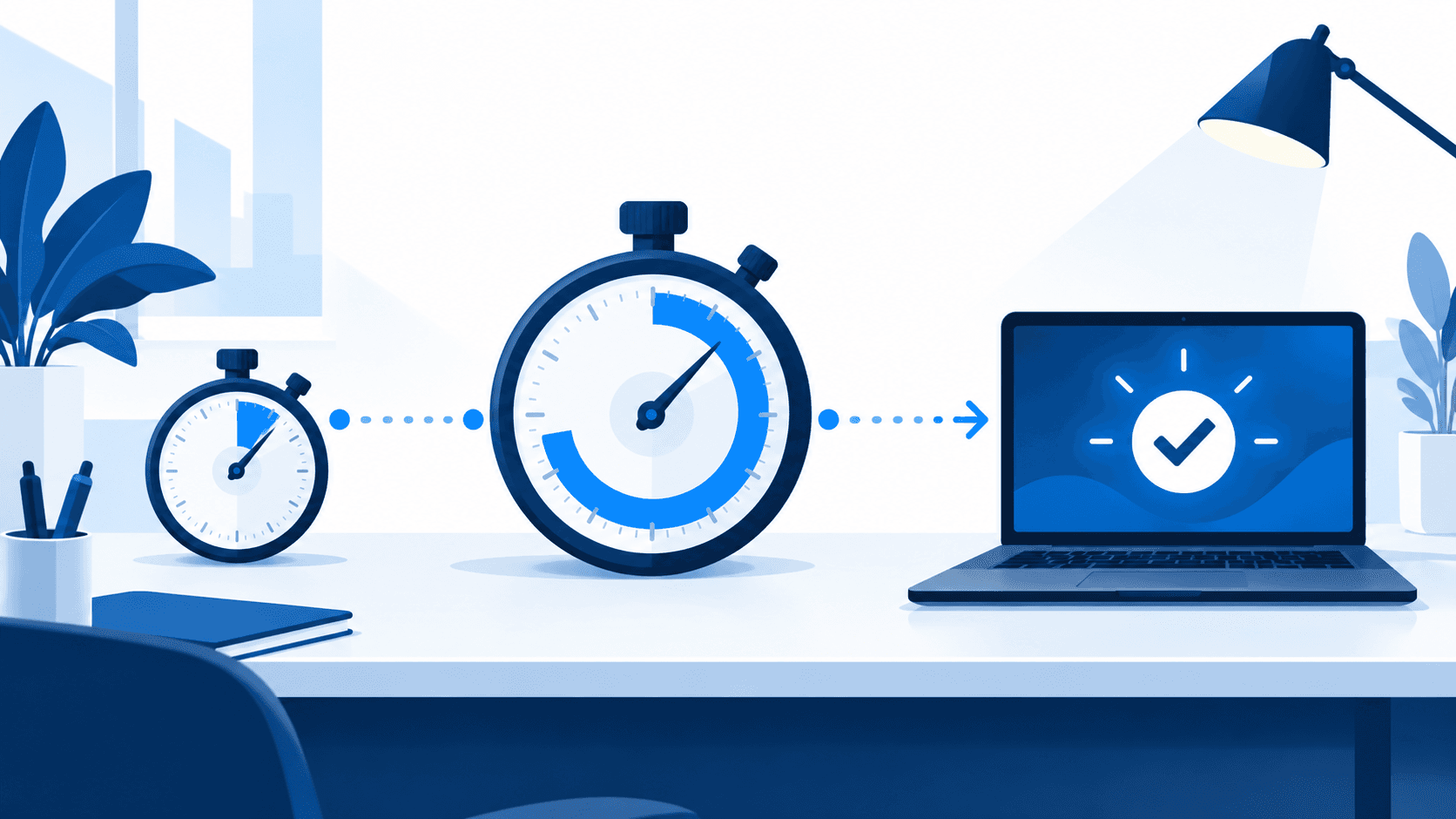
For a Singapore SME, a reasonable IT support agreement promises a 15-minute to 1-hour response and a 4-hour resolution target for a critical outage during business hours, with slower tiers for problems that only inconvenience one person. Those are two separate promises. Response is when a human starts work on your ticket; resolution is when your staff are working again. Most contracts commit firmly to the first and vaguely to the second, which is why "we replied within 15 minutes" and "the office was down all afternoon" can both be true on the same day. At the napkin-math downtime cost of a 30-person firm, roughly S$1,700 an hour, a 4-hour fix on a mid-morning outage costs about S$6,800 in lost productivity; a next-morning fix costs the rest of the day, closer to S$12,000.
What an SLA is, and the two clocks inside it
A service level agreement (SLA) is the page in your IT contract that turns "we'll look after you" into numbers: how quickly the provider picks up a problem, how quickly they aim to fix it, and what happens when they miss. If your contract has no such page, you have a relationship, and relationships are only as good as the last favour.
Think of a food delivery app. "Order accepted" arrives in seconds. That is the response: someone has seen your request. The food arriving at your door is the resolution. Both show up as green ticks in the app, and only one of them feeds you.
Self-check: open your IT contract and look for the word "resolution". If it only appears next to "target" or "best effort", or does not appear at all, your provider has committed to answering you, not to fixing anything by a given time.
Severity tiers: the triage nurse at your IT provider
Good providers do not promise the same speed for everything, and you should be wary of any that do. They triage, exactly as the nurse at an emergency department does: chest pain goes straight in, a sprained ankle waits two hours, and nobody thinks the ankle patient has been cheated.
In IT contracts the tiers are called priorities, P1 to P4. The ranges below are the ones MSP software vendors and published provider contracts most commonly quote (one widely used guide, updated January 2026, gives 15 minutes and 4 hours for critical incidents). There is no audited industry standard behind them, so treat them as sensible expectations rather than law.
- P1, Critical: the whole office or a system everyone needs is down. Response 15 to 60 minutes; resolution target 4 hours.
- P2, High: one team or a key person is blocked with no workaround. Response 1 to 2 hours; resolution the same or next business day.
- P3, Medium: one person is inconvenienced but can work around it. Response within 4 to 8 business hours; resolution in 2 to 3 business days.
- P4, Low and requests: nothing is broken (a new starter's account, a software install). Response next business day; delivered within 3 to 5 business days.
Two details matter more than the exact numbers. Who decides the priority: if the provider alone grades every ticket, a dead server can become a "P2" when the engineers are busy, so the contract should let you escalate. And what "resolved" means: a temporary fix that gets people working should stop the clock; a ticket closed as "awaiting user confirmation" when nobody asked you anything should not.
Ask: "When our server went down in March, what priority did you log it as, and how long until we were working again?" The answer, in minutes and from their ticket system, tells you more than the brochure.
Why "24/7 support" means nothing without written clocks
Every provider in Singapore says "24/7 support" somewhere on its website. Before you pay for it, ask two questions.
Whose clock? Many contracts only count business hours. A ticket raised at 5:30 pm on Friday and answered at 9:05 am on Monday counts as a five-minute response if the clock stops at 6 pm and over the weekend. That is fair for a company that works 9 to 6, provided you know that is what you bought.
24/7 what? Monitoring software watching your server all night is not the same as an engineer who can fix it at 2 am. A phone that rings through to a call centre that "logs it for the morning team" is an answering service, which is fine as long as it is not priced as engineering. The same applies to a "99.9% uptime guarantee": it allows about 8.8 hours of downtime a year before the exclusions for planned maintenance and third-party outages are counted.
Self-check: does your business actually operate outside office hours? A 9-to-6 office needs business-hours cover with an emergency line; a clinic chain with Saturday sessions, or a logistics firm dispatching at 5 am, needs those hours written into the tiers. Paying for round-the-clock engineering you never use is the most common way SMEs overspend on support.
The trap: fast response, slow resolution
This pattern quietly costs the most. A provider is measured on response time, so it builds a fast front desk: auto-acknowledgements, a friendly first reply within ten minutes, a "we're looking into this" an hour later. All of it counts as responding. The ticket then queues behind other customers, passes to a second engineer who asks the same questions again, and closes three days later. The monthly report shows 98% SLA achievement; your staff remember three days without the shared drive.
The cure is to ask for the numbers the report leaves out. For each priority, ask for the median and the slowest-10% time to resolution, from the ticket system, rather than a blended "average response time". One tool vendor's 2026 guidance to MSPs makes the same point: the blended average hides the long tail, and the long tail is where your downtime lives.
Ask: "Can I see last quarter's resolution times per priority, including the slowest 10%?" A provider that cannot produce those figures has given you an answer.

What to demand in the contract
Six lines are enough. Owners who insist on them get better service without paying more, because they are asking for clarity rather than speed.
- Both clocks per priority, P1 to P4, with the hours each clock runs.
- Your right to set the priority. You can declare a P1; the provider can push back in writing after starting work.
- Hours defined in Singapore time, public holidays stated, and what the emergency line covers.
- On-site terms. How quickly someone arrives for a physical fault, and whether that is in the fee.
- A monthly report by priority with response and resolution times, including the slow tail.
- Consequences. A service credit, or at minimum a right to exit without penalty if P1 targets are missed two months running. The credit is rarely claimed; its job is to make the targets real.
What it costs a 30-person Singapore company
SLA speed is one of the main dials on price, as our 2026 IT support price guide sets out. A 30-person firm on a standard managed plan with business-hours SLAs (1-hour response, 4-hour resolution target on critical issues) sits around S$3,000 to 5,400 a month at 2026 published rates. Moving to 15-minute response, 24/7 engineering and a deeper security stack takes the same firm to roughly S$5,400 to 9,000. A starting point for a budget conversation, not a quote.
Who does not need a tight SLA
A 10-person consultancy on Microsoft 365 with laptops and no server can lose email for an hour and lose very little; a business-hours plan with a 4-hour response is proportionate, and a spare laptop in the cupboard buys more peace of mind than a 15-minute guarantee. If your provider has no written SLA but has fixed every serious problem within hours for three years, the fix is a one-page addendum rather than a new provider.
The SLA matters most when downtime costs you real money by the hour, when staff cannot work around an outage, when you run outside office hours, or when support has started to lag as you have grown.
Frequently asked questions
Is a 15-minute response time realistic for a small business contract?
Yes for critical issues on a standard managed plan, as long as "response" means an engineer starts work rather than an automatic email. For P3 and P4 tickets it is unnecessary.
What is a reasonable resolution time for a server or internet outage?
A 4-hour target during business hours is the common benchmark, with the understanding that a hardware failure needing a part may take longer and should be covered by a temporary workaround. Ask what the workaround would be.
My provider says they cannot promise resolution times because every problem is different. Is that fair?
Partly. Nobody can guarantee a fix time for every fault. But a provider can commit to targets for defined priorities, report against them, and explain the misses. "We cannot promise anything" usually means "we have not measured it".
What should I do if my provider keeps missing the SLA?
Ask for the report, then a written improvement plan with a date. If two more months pass with the same misses, use the exit clause you negotiated. If you have none, the choosing-a-provider guide covers how to compare replacements on scope rather than price.
Send this to your IT provider
Copy this into an email. You do not need to understand the answers to judge them: a good provider replies with numbers and a document, a weak one replies with reassurance.
Hi, I'd like our support agreement to state both response and resolution targets per priority level. Please send me: (1) our current response and resolution targets for P1 to P4, and the hours each clock runs, including public holidays; (2) last quarter's actual median and slowest-10% resolution times per priority, from your ticket system; (3) who sets the priority on a ticket and how we escalate; (4) on-site arrival times for hardware faults; and (5) what happens if P1 targets are missed two months running. If any of these are not currently defined, please propose wording and tell me whether it changes our monthly fee.
Our approach
Evernet Systems, a Singapore managed IT services provider, writes both clocks into every agreement and reports against them monthly, including the slow tail, because we would rather have the awkward conversation about a missed target than have a client discover it on a bad Monday. That is our bias.
The honest line: about four in ten owners we meet do not need a faster SLA than they already have. They need a written one. If your provider fixes things quickly and has simply never put it on paper, send them the message above and stay. If you are not sure what you have, read the plain-English guide to managed IT services first, then book a discovery call. You will get a straight answer, even if it is "your current setup is fine".

Steven Shi · Founder & Technical Director
Steven is the founder and Technical Director of Evernet Systems, a Singapore-headquartered managed services provider serving 70+ SMEs. He leads Evernet's move from traditional MSP to AI adoption partner: the company tested AI on its own operations first — about 40% automated by 2026 — and now helps clients adopt it the same way. He writes about practical AI adoption, IT infrastructure and PDPA compliance for growing businesses.
Need help with this?
We help Singapore SMEs put these ideas into practice. Book a free 30-minute discovery call.
Book a CallRelated articles
7 Signs Your SME Has Outgrown Its Current IT Support
Nothing has to be "wrong" with your IT support for it to be wrong for you now. Seven signs the business has outgrown the arrangement — including the quiet one most owners miss — and what to do about each.
Read Managed ITWhat Is Managed IT Services? A Plain-English Guide for SME Owners
Managed IT services means a specialist provider runs your company's technology — monitoring, security, support — for a fixed monthly fee, and is accountable for keeping things from breaking. Here's the model explained without jargon.
Read