Is Microsoft 365 Copilot worth it for your Singapore SME?


Microsoft 365 Copilot is worth paying for on the seats that spend their day writing, summarising and sitting in meetings, and not worth it on the rest. The add-on is listed at US$18 per user per month on Microsoft's Singapore pricing page as read on 18 November 2026 (about S$23 at roughly S$1.30 to the US dollar, before GST), a promotional price that Microsoft offers until 31 December 2026 and applies to the first year only, against an original price of US$21, on top of the Microsoft 365 Business licence you already pay for. One large published trial, the UK government's own cross-government experiment with 20,000 staff (published June 2025), found users saved a self-reported average of 26 minutes a day, while 17 per cent noticed no clear saving. For a 30-person Singapore firm the sensible move is a 60-day pilot on five to ten seats, measured, before any decision about the rest. And before a single seat goes live, your file permissions need checking, because Copilot can see everything each user can see.
What Copilot actually does on a normal working day
Copilot is Microsoft's AI assistant built into the Office apps you already use. In practice it does four things well:
- Outlook: summarises a long email thread, drafts a reply in your tone, and finds "the email where the supplier quoted the new rate" without you scrolling.
- Teams: sits in the meeting, produces notes and action items, and lets a colleague who missed it ask "what did we decide about the Q1 budget?"
- Word: drafts a first version of a proposal, tender response or policy from a few bullet points, and rewrites a section shorter or more formal.
- Excel: answers "which customers' orders dropped more than 20 per cent this year?" in plain English and writes the formula for you.
Here is an analogy. Copilot is a new intern who starts on Monday and, by lunchtime, has read every document, email and chat the person they sit next to can open. The intern is fast and tireless. The intern also has no judgement, knows nothing about your customers beyond what is written down, and will happily produce a confident summary of the wrong file. The intern is useful to the people who have work to hand over. The intern is wasted next to someone whose day happens in a warehouse system or a point-of-sale terminal.
What it costs, and what sits underneath it
Prices below are from Microsoft's Singapore Copilot pricing page (microsoft.com/en-sg), read on 18 November 2026, billed in US dollars, annual commitment, before GST. Converted at roughly S$1.30 to the dollar; your bank's rate will differ.
- Copilot Business add-on: US$18 per user per month on annual billing, roughly S$23. Microsoft's page shows this as a promotional price, down from US$21 (about S$27), offered between 1 July and 31 December 2026 and applying to the first year only. As a planning assumption, budget on the US$21 list price from year two, and confirm the price in writing with your reseller before the promotion ends. Monthly billing is US$25.20 (about S$33). Microsoft's page says the add-on is available only to existing Microsoft 365 customers with an eligible Business plan.
- Business Standard with Copilot bundle: US$23.50 per user per month, roughly S$31.
- Business Premium with Copilot bundle: US$32 per user per month, roughly S$42.
Two things owners miss. First, Copilot is a per-user add-on, so you buy it for the people who need it, not the whole company. Second, Microsoft's Singapore pricing page now headlines the "with Copilot" bundles for Business Standard and Premium. The standalone plans are still sold (US$14 and US$22 per user per month, per Microsoft's licensing notice of 16 February 2026), so if your plan renews in the next year, ask your provider what each option will cost. If you are curious how Copilot compares with the rest of your IT spend, our 2026 IT support cost guide covers what managed IT support costs per user.
None of the schemes we checked on 18 November 2026 (the EDGE Grant, CSA's Cyber Essentials funding and CISO-as-a-Service) funds Copilot licences. Check current terms on GoBusiness before relying on this. The EDGE Grant, which replaced the Productivity Solutions Grant on 30 September 2026, funds listed activities such as pre-approved digital solutions for specific business functions. Ask Enterprise Singapore whether a subscription you are considering falls under a listed activity.
Who gets value, and who does not
The UK government's cross-department trial (20,000 staff, 30 September to 31 December 2024, published on GOV.UK on 2 June 2025) found the biggest savings in drafting documents (24 minutes) and preparing presentations (19 minutes). A separate evaluation at the UK Department for Work and Pensions (3,549 staff, October 2024 to March 2025, published on GOV.UK on 29 January 2026) compared users with non-users using regression controls and estimated 19 minutes a day, with searching for information (26 minutes) and writing email (25 minutes) the two tasks that benefited most. Its authors note that licences were not allocated at random and that there was no pre-trial baseline. Both figures are self-reported and come from large public bodies, so treat them as a ceiling for a small firm, not a promise.
Roles where it usually pays in an SME:
- Directors and managers who live in email and meetings
- Sales and account staff writing proposals and follow-ups
- Finance and admin staff who summarise, reconcile and chase
- Anyone who writes in English as a second language and spends time polishing
Roles where it usually does not:
- Production, warehouse, retail, clinic and site staff whose day is in a line-of-business system
- Shared mailboxes and part-time users who open Outlook twice a week
- People who already use a general chatbot for drafting and rarely need company files in the answer
Self-check: list your 30 staff. Next to each name, write how many hours a day they spend in Outlook, Word, Excel and Teams. As our rule of thumb (not a Microsoft threshold), anyone under two hours a day is not a Copilot seat this year.
The catch nobody mentions in the demo
Microsoft says Copilot respects each user's existing permissions, so it only surfaces what that user could already open. That sounds reassuring until you remember how most SME file shares grew: a SharePoint site created in 2019 with "Everyone" access, an HR folder someone shared with the whole company "temporarily", a finance spreadsheet copied into a Teams channel. Nobody found those files before because nobody went looking, and Copilot's whole job is to go looking.
ShareGate's 2026 State of Microsoft 365 survey of 851 IT leaders found 93 per cent were confident their Microsoft 365 governance framework was ready for AI, while 29 per cent said AI had already surfaced data it should not have had access to. Both figures come from the same survey, and ShareGate sells Microsoft 365 governance tools, so read it as vendor research. We wrote about why the "our data is not worth stealing" instinct is wrong for SMEs in this post on the most dangerous myth in AI adoption; Copilot is the moment that myth gets tested from inside your own office.
The fix is boring and takes a few days: a permissions review of SharePoint, OneDrive and Teams, sensitivity labels on the folders that matter (payroll, contracts, customer lists), and a short usage policy so staff know what not to paste in. This is the governance piece of what we call a Virtual Chief AI Officer, and it is easy to skip because no licence sale depends on it.
Ask your provider: "When did we last review who can open the HR and finance folders, and can you show me the report?"
What it costs a 30-person Singapore company
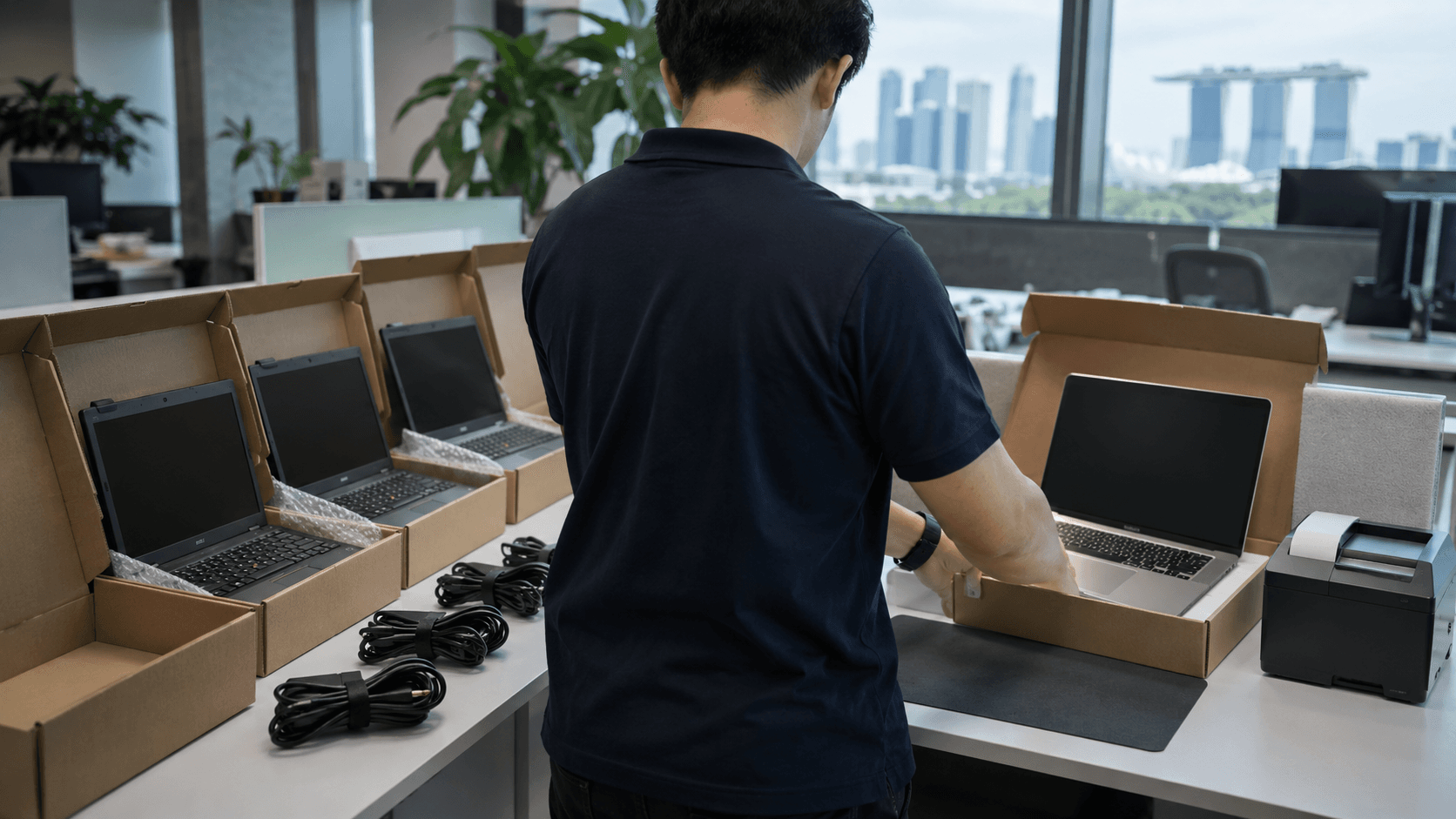
At Microsoft's listed Singapore prices (read 18 November 2026) and roughly S$1.30 to the US dollar, before GST, a pilot of five Copilot seats is about S$117 a month at the promotional rate (about S$137 at list price), or roughly S$1,400 a year, on annual billing (a 60-day pilot on monthly billing is about S$165 a month for five seats). All 30 seats would be about S$700 a month, roughly S$8,400 a year, at the promotional rate (about S$820 a month at list price). A starting point, not a quote; if you move to the bundled plans the arithmetic changes.
Napkin maths on the return: say a staff member costs you S$4,000 a month (an illustrative figure) and a seat genuinely saves them 20 minutes a day. That is about 7 hours a month at roughly S$23 an hour (S$4,000 over about 173 working hours), so the time is worth about S$160 a month against a S$23 licence. That only holds if the minutes get used on real work, which is exactly what the pilot is for.
How to run a pilot that tells you something
Think of Copilot like a corporate gym membership. The company pays per head, the benefit depends entirely on who actually turns up, and the mistake is signing everyone up in January.
- Pick five to ten people from the "lives in Office" list, including one sceptic. Do not pick only the enthusiasts.
- Measure before: for two weeks, each person notes the hours spent on meeting notes, drafting and searching for files. One line a day in a shared sheet is enough.
- Fix permissions first, then switch on the seats. One hour of training on the five prompts that matter in their role.
- Run 60 days. Repeat the two-week measurement at the end.
- Decide per seat. Keep the licences that show a clear saving, drop the rest, and only then look at a second group.
As a rule of thumb (ours, not a benchmark), a pilot that saves 10 minutes a day on five seats is worth keeping. A pilot that saves nothing tells you something equally useful for roughly S$330, which is five seats for two months on monthly billing at US$25.20.
Send this to your IT provider
Hi [name], we are considering Microsoft 365 Copilot for a small pilot. Before we buy any seats, please (1) confirm which of our current Microsoft 365 plans are eligible and what the add-on costs us per user in S$ including GST, (2) run a permissions review of our SharePoint, OneDrive and Teams and send me a list of any folders shared with "Everyone" or with external users, (3) propose five to ten pilot users based on who spends most time in Outlook, Word, Excel and Teams, and (4) tell me what our Business Standard or Premium renewal price will be now that Microsoft lists those plans with Copilot bundled. I would like a short written summary rather than a meeting. Thanks.
When the honest answer is "not yet"
- Your team's day is in a line-of-business system, not Office. F&B, logistics, clinics, retail: if staff touch Outlook for ten minutes a day, Copilot will not move the needle. Wait, or buy two seats for the directors and stop there.
- Your file shares have never been tidied. Do the permissions review first. Copilot on a messy tenant is a disclosure risk you are paying monthly for.
- You are still on Microsoft 365 Business Basic for most staff. The add-on works, but if people are using web-only Office, the daily habit that makes Copilot pay is probably not there yet.
- Your staff mostly write in Mandarin or Malay. Check Microsoft's supported-language list for the apps you use. The time-saving evidence above was gathered in English, so measure before assuming.
- You are hoping it replaces a hire. In an SME it reclaims minutes across many people, not a whole salary from one. Budget for it as a productivity tool, not a headcount decision.
Frequently asked questions
Is Copilot the same as ChatGPT?
No. A general chatbot knows the internet; Copilot knows your company's email, files and meetings as well, and it stays inside your Microsoft 365 tenant. Microsoft's enterprise data protection documentation (Microsoft Learn, read 18 November 2026) states that prompts, responses and data accessed through Microsoft Graph are not used to train foundation models; confirm this against your own licence terms. That is the main reason to pay for it rather than let staff paste company files into a free consumer tool.
Can I buy Copilot for just three people?
Yes. It is licensed per user, which is why a small pilot is possible; ask your reseller to confirm any minimum order. Buy on the annual plan only once a seat has proven itself; the month-to-month option costs more per seat but is the right choice for the pilot.
Will Copilot leak our confidential files?
By Microsoft's design it does not show anyone a file they could not already open. The risk is that staff already have access to far more than they should, and Copilot makes that visible. A permissions review before launch removes most of the problem.
How do I know if it is working?
Pick two or three tasks per pilot user, time them before and after, and ask each person at day 60 whether they would pay for it from their own budget. If the answer is a shrug, drop the seat.
Does my IT provider need to be involved?
For the permissions review and the licence set-up, yes. For daily use, no. The training part is small; the governance part is where a provider earns their fee.
Our approach
Evernet Systems runs managed IT built for AI adoption for Singapore SMEs. Our bias is obvious: we make money when clients adopt AI well. The honest line is that we often say "not yet". About 40% of businesses we assess need their IT foundation fixed first. For Copilot, a team that does not live in Office, or whose file shares are not ready, is usually a "not yet". We scope every engagement with an IT and AI readiness assessment first. A five-seat pilot that proves something is a better start than 30 licences that sit unused. For the wider shift in how IT providers handle AI, see our explainer on what a managed intelligence provider is.
Book a discovery call and you will get a straight answer on Copilot for your business, even if it is "not yet".

Steven Shi · Founder & Technical Director
Steven is the founder and Technical Director of Evernet Systems, a Singapore-headquartered managed services provider serving 70+ SMEs. He leads Evernet's move from traditional MSP to AI adoption partner. The company tested AI on its own operations first: about 40% automated by 2026. It now helps clients adopt AI the same way. He writes about practical AI adoption, IT infrastructure and PDPA compliance for growing businesses.
Need help with this?
We help Singapore SMEs put these ideas into practice. Book a free 30-minute call.
Book a free 30-minute callRelated articles
5 signs your SME is ready for AI, and 3 signs you're not
Not every business should rush into AI. Here's the self-check we run with clients: five signs you're ready, three signs you're not, and what to do about each.
Read AI Solutions"SMEs have no data worth stealing": a risky myth in AI adoption
A PDPC advisory describes a personal-data disclosure with no hacker involved: an AI-generated email script, run without review, exposed a whole customer mailing list. Why "nobody wants our data" is the wrong way to think about cloud AI, and the five rules that keep you safe.
Read